
01
Upload
Upload your 2D floor plan as a PDF or image (JPG, PNG). That is all that is required to get started.
Upload a photo of a floor plan, or draw one from scratch. Two minutes later you’re walking through the place in 3D — no CAD, no modeling skills, no waiting on a designer.
No floor plan file? Draw one on your phone or in the browser. Tap walls, add doors and windows, download as JPG or PDF. Unlimited plans, no watermark, sign in with Google in seconds.
Open editorHave a plan file already? Upload a PDF, JPG, or PNG. AI detects walls, doors, and rooms in under two minutes. Review, adjust, generate 3D.
Start with a fileHave a paper plan, an MLS listing image, or a rough sketch? Overlay it as a tracing guide, draw walls over it, and generate the 3D model.
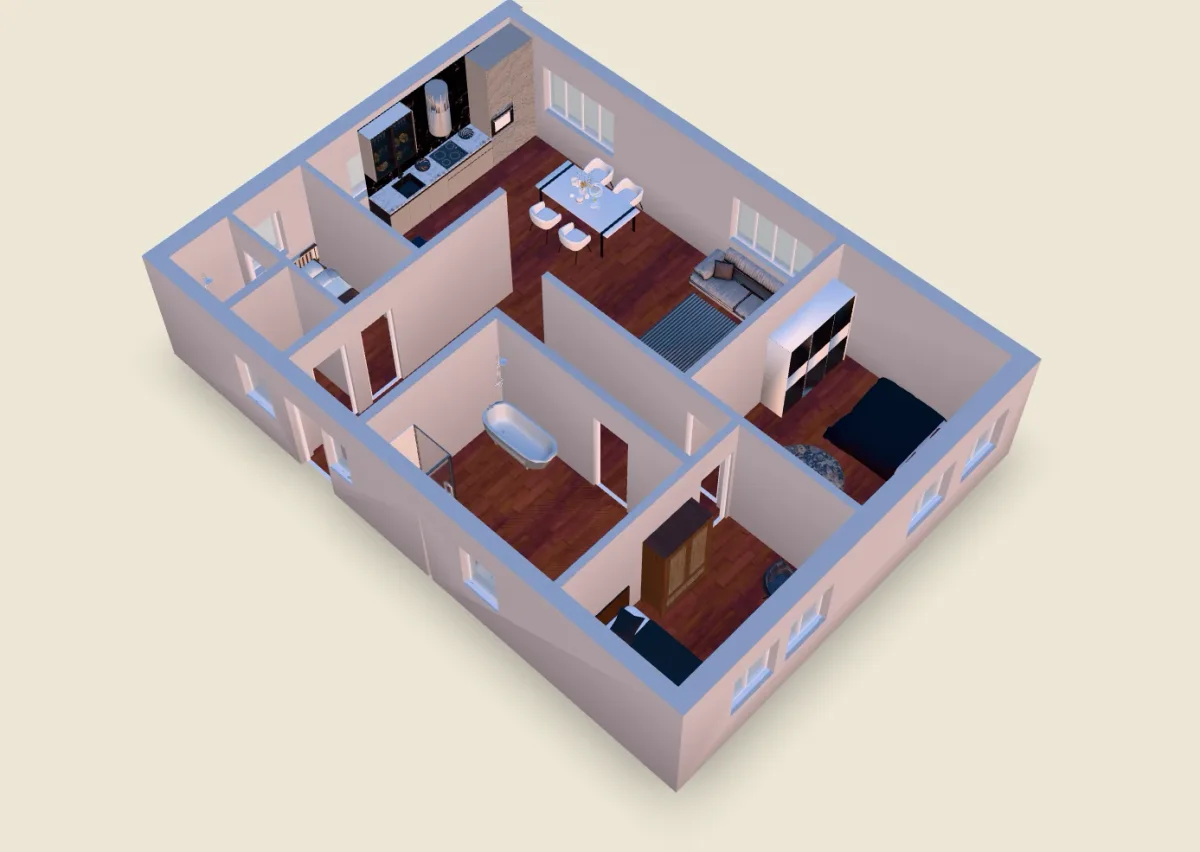
See tracing workflowRitn3D turns a 2D floor plan into a real interactive 3D model — not a flat render or static image. Upload a PDF or photo, review the detected layout, and get a 3D scene you can orbit from any angle, walk through room by room, and share as a link that opens in any browser. No CAD skills, no app install for viewers.
Ritn3D is the only floor plan to 3D tool built for phones — native iOS, Android, Windows, and web on one account. And the only floor plan converter that exports print-ready STL for 3D printing.
From floor plan to furnished, walkable 3D — in four steps.
Upload your 2D floor plan as a PDF or image (JPG, PNG). That is all that is required to get started.
Review the generated layout. Correct room types or walls if needed, then confirm to proceed.
Generate your 3D interior model. View it in the app, share the link, or export. No separate 3D software required.
Drag and drop sofas, beds, tables and more into the rooms — every piece carries real-world dimensions so you can sanity-check whether a king bed actually fits before you buy.
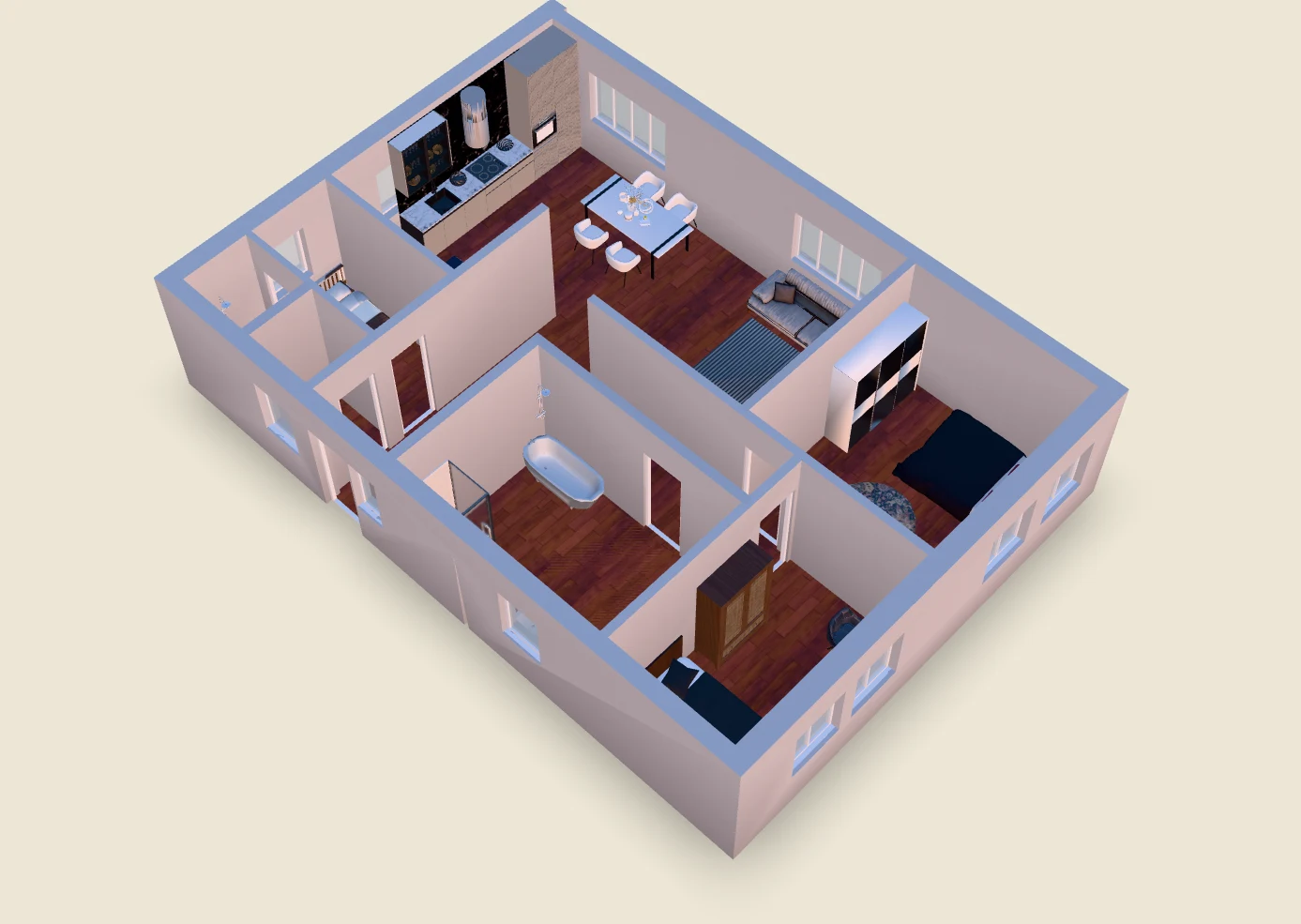
Go from a flat floor plan to a 3D interior model in minutes — no manual modeling, no 3D experience required.
Orbit freely, walk through rooms (Pro)
Textured walls, warm lighting, depth effects
Place sofas, beds, tables with real dimensions (Pro & Pro+)
Opens in any browser — no app install needed
Export STL files for 3D printing (Pro+)
Draw floor plans on phone or browser. Unlimited plans, JPG and PDF export, no watermark. Free forever.
Anyone who needs to turn a 2D floor plan into a 3D interior model for visualization or planning.
Visualize a space in 3D before you buy or renovate. Share the model with your architect or contractor.
Add interactive 3D models to listings. Give clients a clear picture of the space before visiting in person.
Generate quick 3D studies from floor plans for client reviews or early-stage concept sharing.
Show clients how a layout will look in 3D before work starts — without needing separate 3D software.
Convert plan sets into 3D models for marketing materials and approvals at scale.
Offer architectural scale models as a new product line. Download print-ready STL files — no CAD skills needed.
One plan. All the tools.
$0
No catch.
$9.99/mo
For anyone serious about their space.
Free for 7 days. Cancel anytime.
$19.99/mo
Design it. Download it. Print it.
Let's talk
Built for property at scale.
For real estate agencies, listing platforms, and developers — custom render volumes, white-labelled viewer, and pricing that fits your volume.
Building a platform? Our partner API turns floor plans into walkable 3D inside your product — talk to us about integration.
Get in TouchPrefer we build it for you? Send your plan and we'll deliver the walkthrough in a few working days.
See the done-for-you servicePick your platform and turn your first floor plan into a 3D model. Free to start, 7-day Pro trial when you're ready.
Join 0+ users across 0+ countries
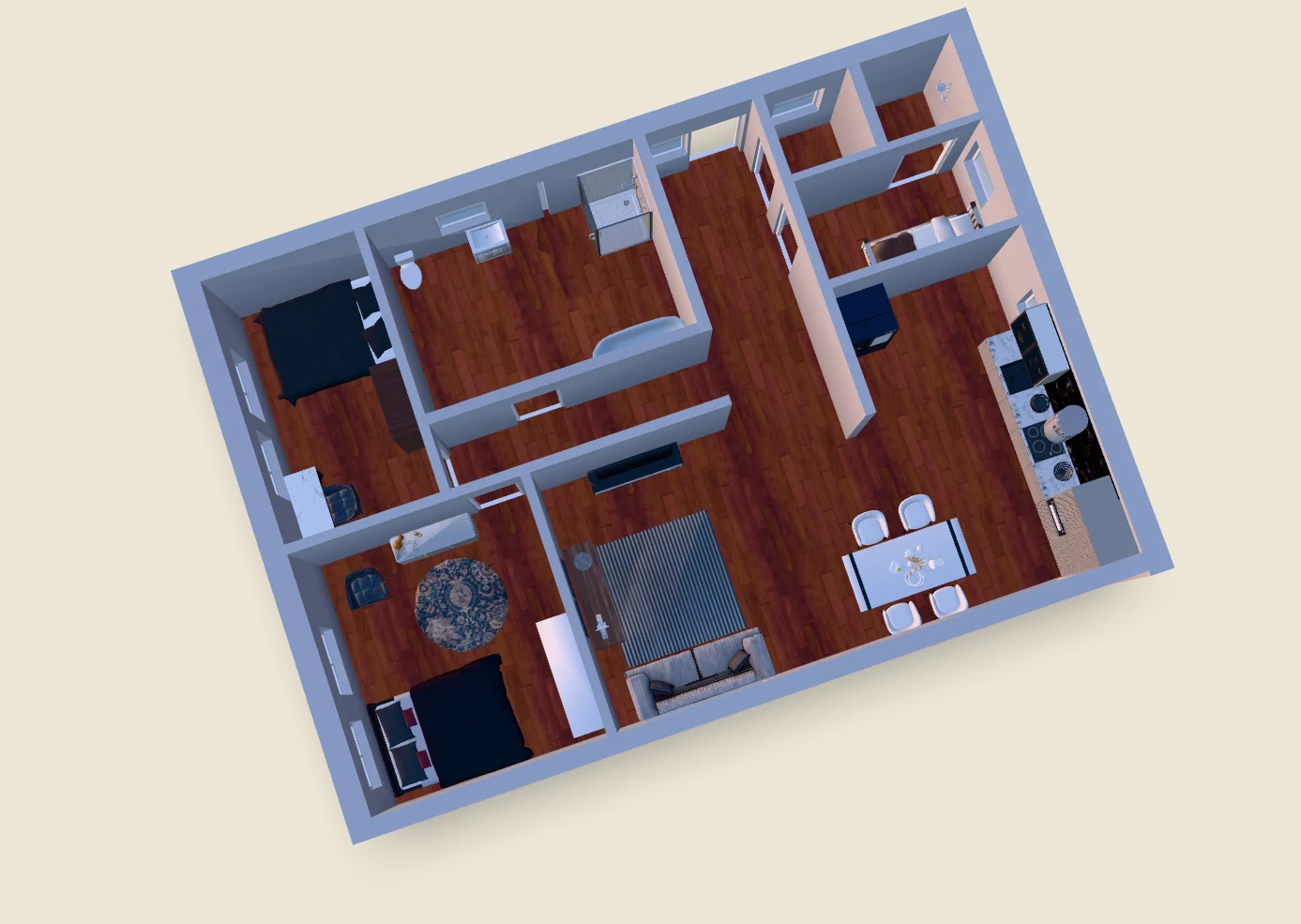
Ritn3D is a floor plan to 3D converter available as a web app at app.ritn3d.com and as native apps for iOS, Android, and Windows. You upload a 2D floor plan as a PDF or image (JPG or PNG), the AI detects the walls, doors, windows, and rooms automatically, you review the detection in a side-by-side editor, and you generate an interactive 3D interior model in under two minutes. The output is a real 3D scene with textured walls, PBR materials, and per-room lighting — not a static render — so you can orbit around the building, walk through individual rooms, drag furniture in (on Pro and Pro+), and share a live browser link that opens in any browser with no install. There is no CAD software involved and no 3D modelling skills required.
Ritn3D has four tiers. Free is $0 with 3 renders per month, bird's-eye view, share with up to 5 people per project, watermark, and standard textures — enough to try the product end-to-end. Pro is $9.99 per month and adds 20 renders, Full HD textures, walk-through mode, drag-and-drop furniture placement, share with up to 50 people per project, no watermark, and 90-day cloud sync — Pro comes with a 7-day free trial. Pro+ is $19.99 per month and adds 40 renders, GLB downloads, 10 STL downloads per month for 3D printing, and rollover credits at $3.99 per extra download. Enterprise is custom pricing for real estate agencies, listing platforms, and developers — contact sales. There are no per-render add-ons on Free or Pro.
Ritn3D accepts PDF floor plans (single page or multi-page), JPG images, and PNG images. Architectural PDFs from CAD software (AutoCAD, Revit, ArchiCAD, SketchUp) produce the highest detection accuracy because the wall lines are mathematically precise. Scanned blueprints work reliably as long as the scan is legible. JPG and PNG inputs include phone-camera photos of printed plans and screenshots of floor plans from real estate listings — straight-on, well-lit images detect on the first pass. Heavily annotated drawings, low-resolution scans, or sharply angled phone-camera photos may need a few corrections in the review step, but the review step always lets you add, move, or delete walls, doors, and windows before generating the 3D model. Hand-drawn floor plans are not currently supported and there is no AutoCAD .dwg import yet.
Ritn3D runs as a web app at app.ritn3d.com — open the URL in any modern browser and the full product is available with no install. Native apps are available on the Apple App Store, Google Play, and the Microsoft Store, and all of them ship the same AI detection, review editor, 3D viewer, and drag-and-drop furniture placement as the web. Shared 3D model links open in any browser on desktop, tablet, or phone — recipients never need to install anything or create an account to view the 3D model you sent them. Sign-in is the same Google or email account across web, iOS, Android, and Windows.
Yes. Pro+ subscribers can download an optimised STL file of any 3D floor plan model (up to 10 per month, with extra downloads available at $3.99 each that roll over month to month). The STL is generated specifically for 3D printing — manifold geometry, sealed walls, and a flat base — so it goes straight into your slicer (Cura, PrusaSlicer, Bambu Studio, Lychee) without mesh-repair tools. It prints on standard FDM, SLA, and SLS printers; FDM is the most common choice for architectural study models because layer lines are forgiving on flat walls. The model exports at the same proportions as the floor plan, so you can use the slicer's scale tool to print at the size you want — typical hobbyist prints are 1:100 to 1:50 scale, fitting comfortably on a 220 mm bed.
Questions about Ritn3D? We'll respond as soon as we can.
