
Paint chips and flooring samples are small. A 10-foot wall or a whole open-plan floor is not. The usual way to find out a color or floor is wrong is to see it installed. A 3D model of your own floor plan lets you find out first.
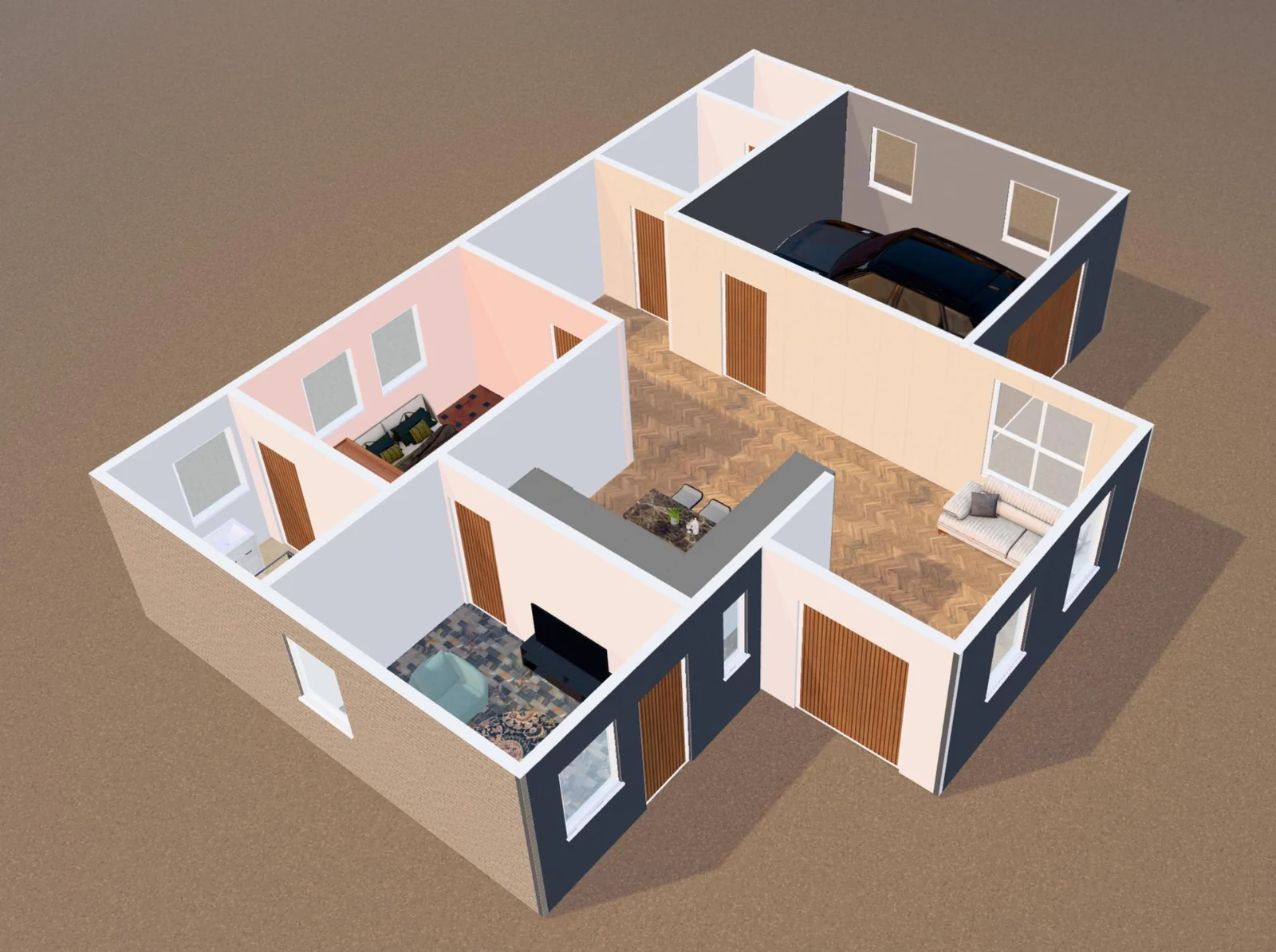
Start with your floor plan
Upload a photo or PDF of your floor plan to Ritn3D and it becomes an interactive 3D model in about two minutes. No floor plan? Draw one in the free floor plan editor. Each room starts with a sensible default, like tile in the kitchen and wood in the living room. Then you can change any of it.
Change the whole house, one wall, or one room
Open Finishes in the 3D viewer. There are four ways to work:
- Whole house: one finish for all walls at once. It's the fastest way to compare a warm white with a cool gray.
- Walls: click a wall to give it its own finish. Only the side facing the room you clicked changes, so an accent wall in the bedroom doesn't repaint the hallway behind it.
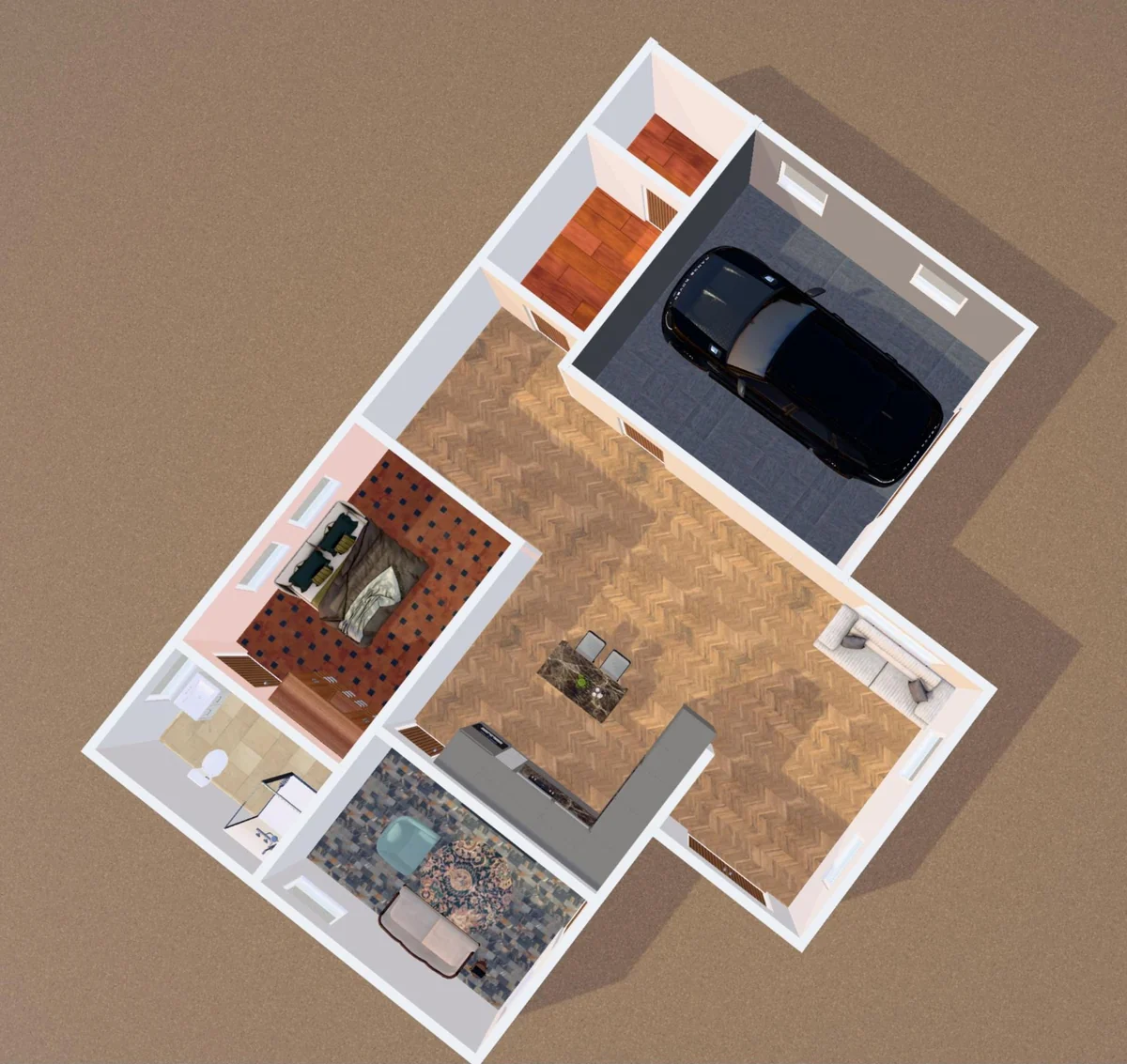
- Floors: choose a room and give it its own floor. Herringbone wood in the living room, tile in the bathroom, stone in the garage.
- Patch: draw a rectangle on part of a wall or floor, for a feature panel, a dado, or a rug-sized area of different flooring. You can reshape or move it afterwards.
Compare options side by side
Save each set of choices as a look. Make one look with light oak floors and white walls and another with dark floors and a colored accent wall, then switch between them. When you can't decide, send the link to whoever you're deciding with, so they can explore it on their own phone.
Walk through it at eye level
From above, a floor plan shows you the layout. To judge a finish, you need to stand in the room. Walk mode puts you at standing height, so you see the accent wall the way you would from the doorway and the floor the way it runs through a hallway.
What it won't tell you
The model shows color, pattern and how finishes work together across rooms. It isn't a color-matched sample of a specific paint brand or flooring product, and screens vary. Use it to narrow down the direction, then check a real sample in your own light before you order.
Which plan you need
Finishes are included with Pro ($9.99 a month, with a 7-day free trial) and Pro+. They're in the web app at app.ritn3d.com now, with the mobile apps coming soon. See pricing for the full comparison.
Frequently asked questions
- Can I see different flooring in each room?
- Yes. In the Finishes panel, open Floors, choose a room and pick its floor. Every room can have a different floor, and the panel lists the rooms you've changed.
- Can I paint just one wall, or part of a wall?
- Yes. Walls lets you give one wall its own finish, on the side facing the room you clicked. Patch lets you draw a rectangle on part of a wall or floor, like a feature panel or dado, and reshape or move it afterwards.
- Which plans include finishes?
- Pro and Pro+. Pro is $9.99 a month and comes with a 7-day free trial. Finishes are in the web app now and are coming to the mobile apps soon.